

Update: Checked for new Clash Royale codes on June 05, 2026.
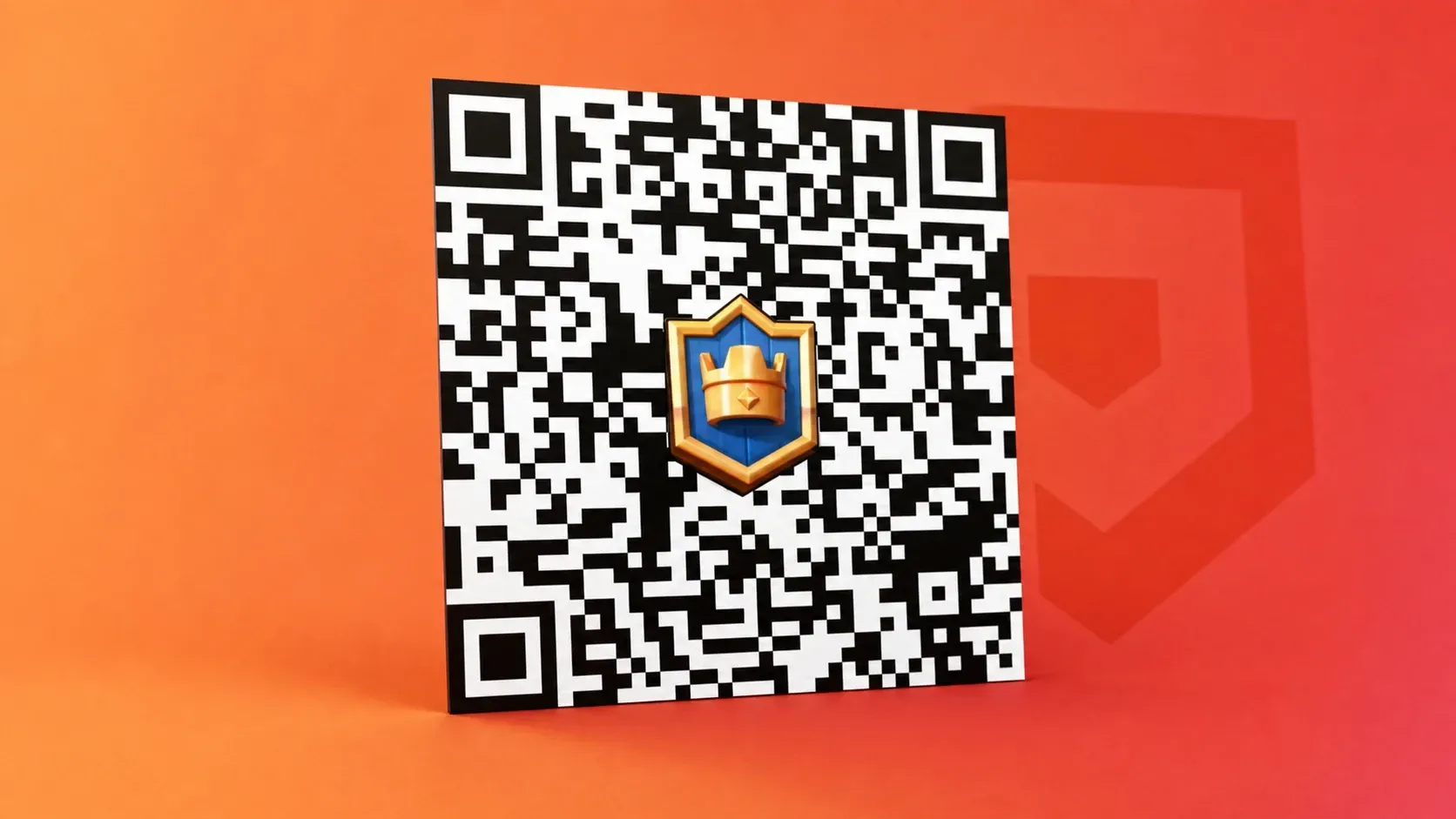
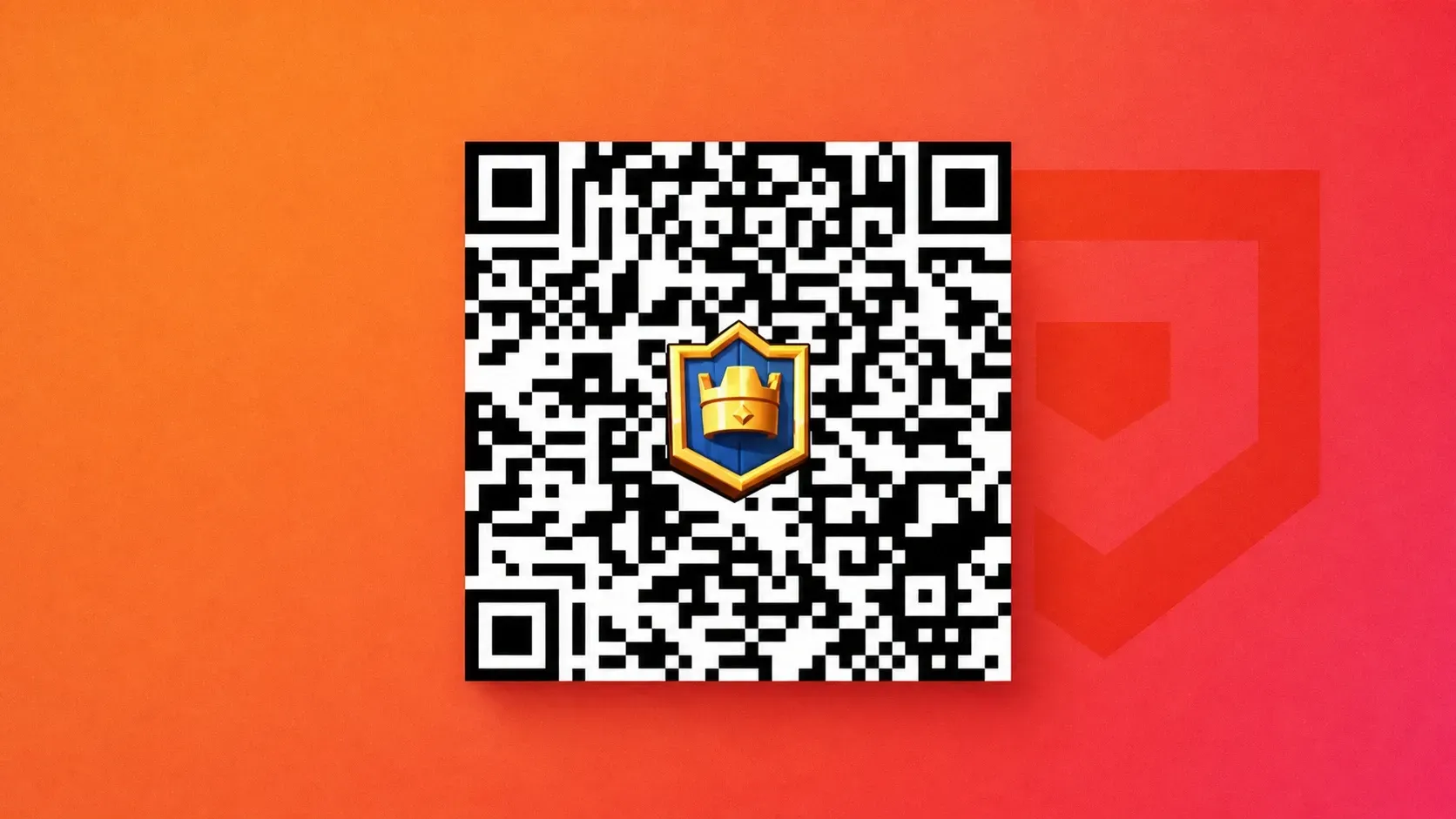
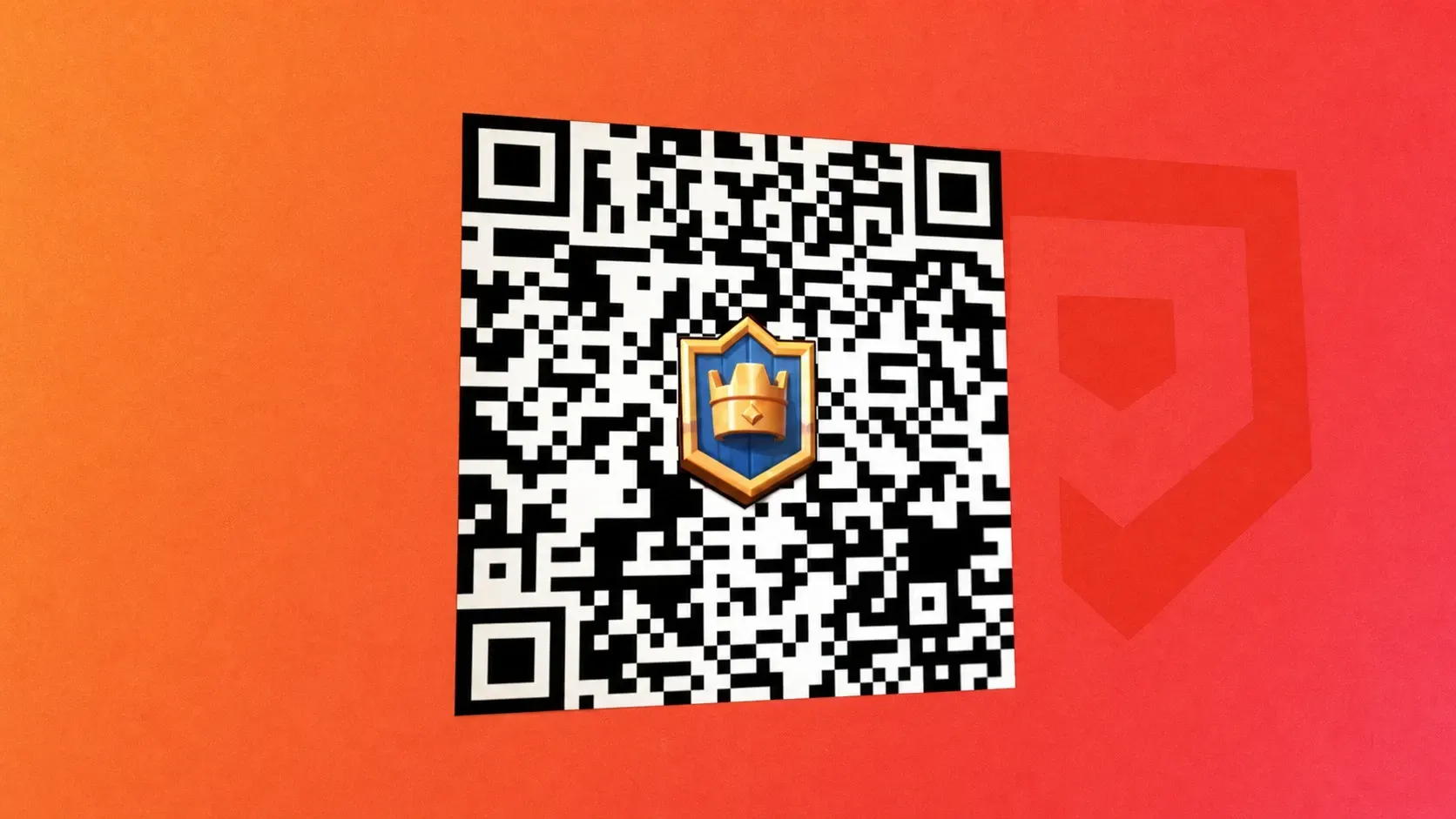
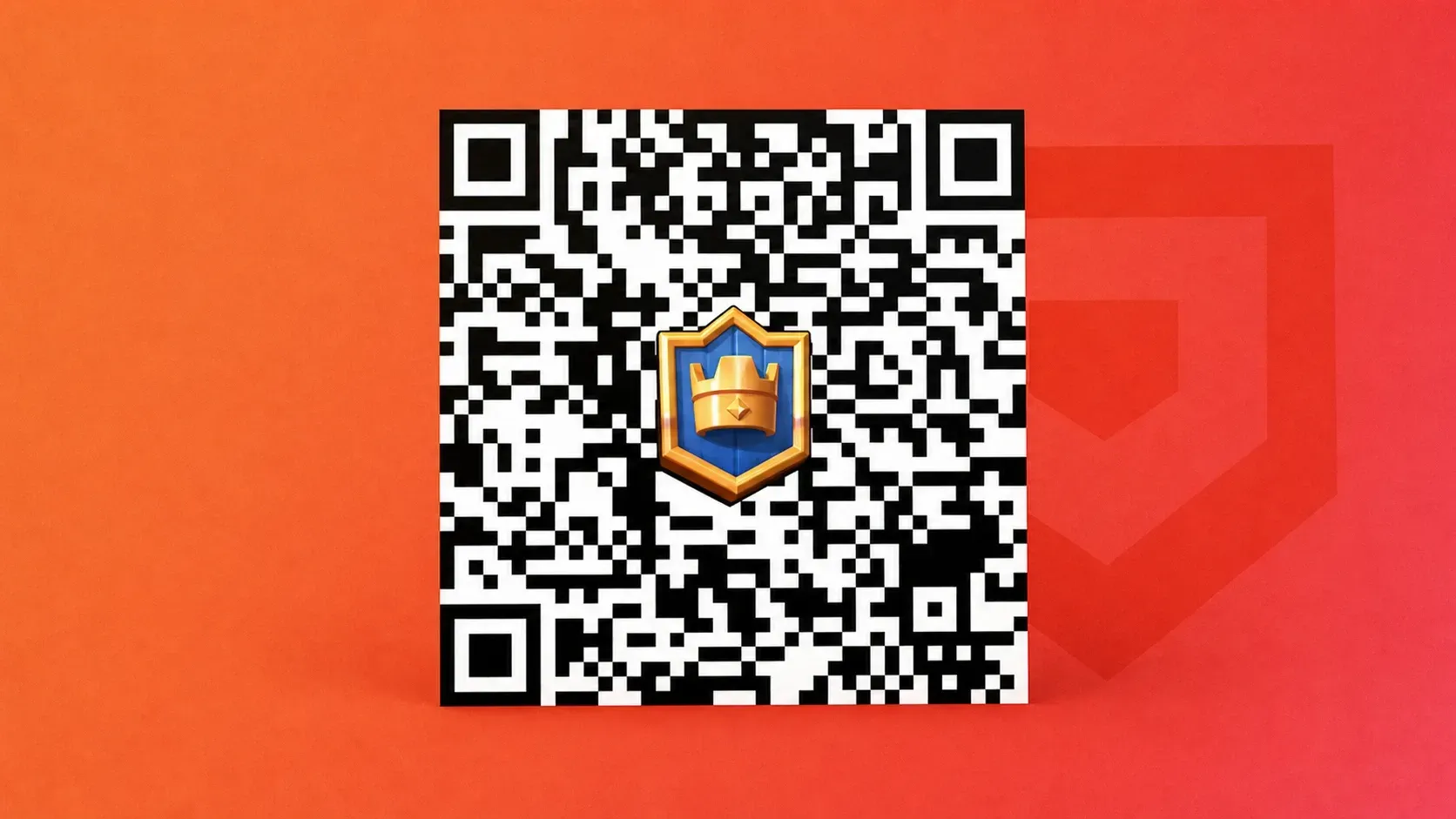
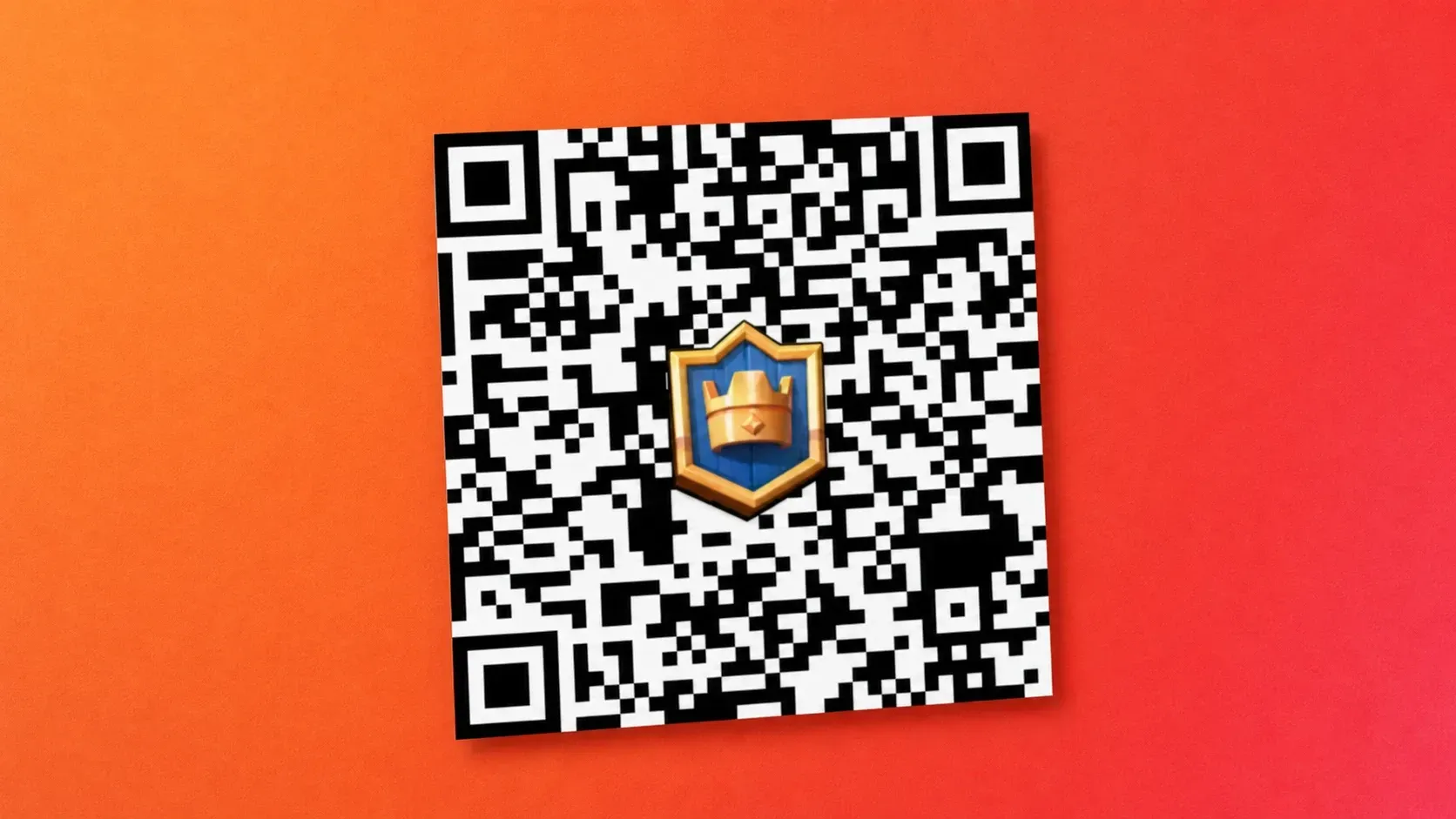
Clash Royale codes unlock free in-game cosmetics and rewards, including emotes, banner decorations, banner frames, gold, cards, and lucky chests. Standard redeem codes are entered through the Supercell Store, while QR rewards are claimed by scanning or opening a reward link on the device where Clash Royale is installed.
Working Clash Royale codes
PRINCESSEVO!— Frozen banner decoration and freeze-themed banner frame NEWMINIONHORDE!— Minion emoteROYALEAFFAIR— Royale Affair emoteFIREANDICE!!— Banner decoration and matching banner frameTRUSTYTURRET— Hero Musketeer emoteWHENHOGSFLY!— Flying Royal Hogs emoteREINABARRIGA— Snoring Dragon banner set
Clash Royale QR rewards
Clash Royale also uses QR rewards for one-tap claims through the game. These are separate from the text codes above and can include gold, cards, chests, emotes, banners, and frames.
How to redeem Clash Royale codes
Step 1: Open Clash Royale and make sure your game is connected to a Supercell ID. The same account must be used when you redeem the code through the store.
Step 2: Go to the Clash Royale page on the Supercell Store and sign in with your Supercell account. Scroll to the section labeled Redeem a Store Code.
Step 3: Enter one code exactly as written and submit it. When redemption succeeds, the store confirms the claim and the reward appears the next time you open Clash Royale.
How to redeem Clash Royale QR codes
Step 1: Open Clash Royale on the device where you want to claim the reward. Finish the tutorial first if the account is new.
Step 2: Scan the QR code with your phone camera, or open the reward link on the same device. Clash Royale will show a claim prompt when the reward is available for that account.
Step 3: Tap Claim in the game prompt. A successful claim sends the reward to your Clash Royale account.
Expired Clash Royale codes
BLOWTHEMAWAYANGRYFURNACEFIREFIREFIREONEMAGICGIFTSHARETHEGOLD
Use the working codes before they rotate out, and claim QR rewards separately when they are available. Standard codes and QR rewards do not use the same redemption flow, so each one needs to be claimed through its own method.